

Description
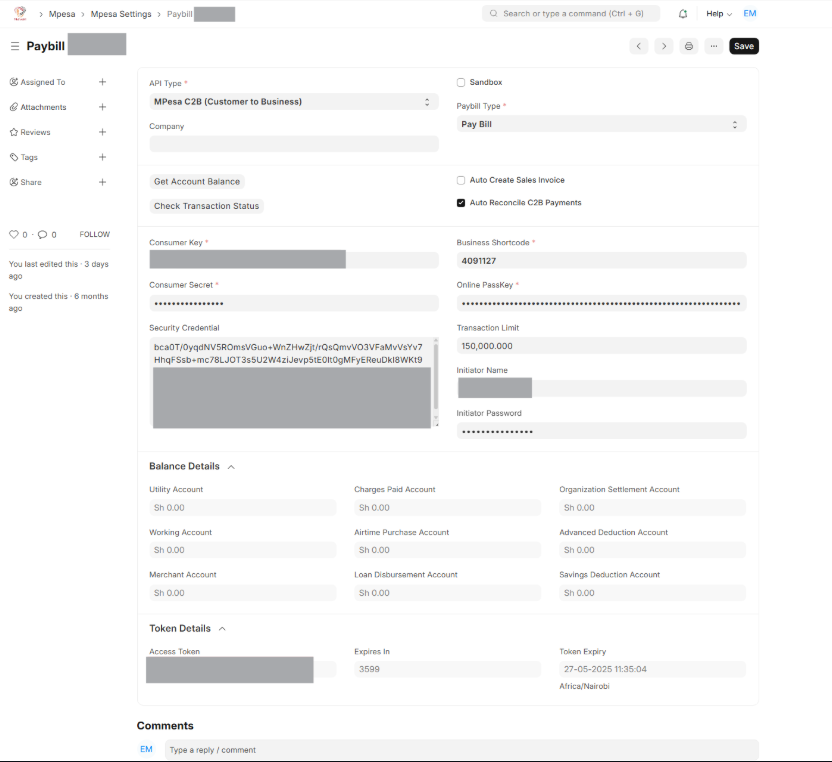
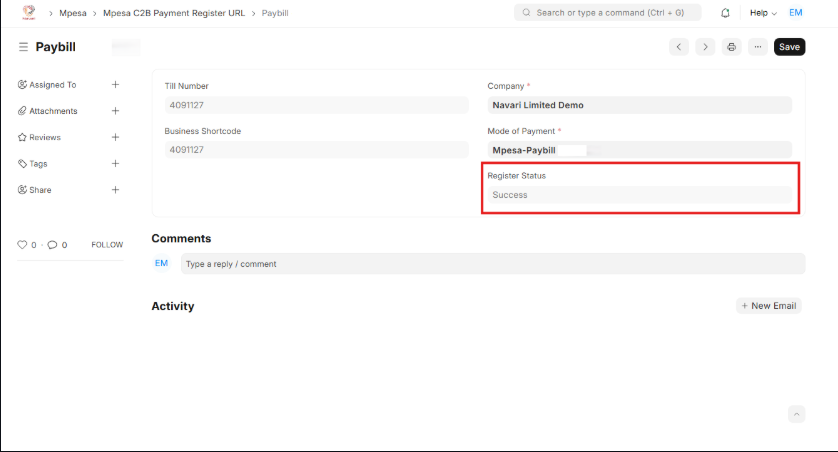
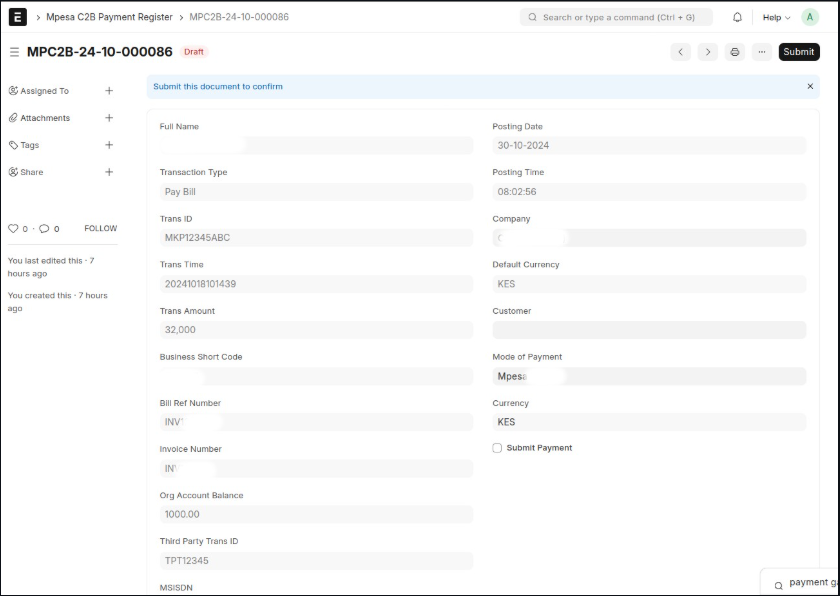
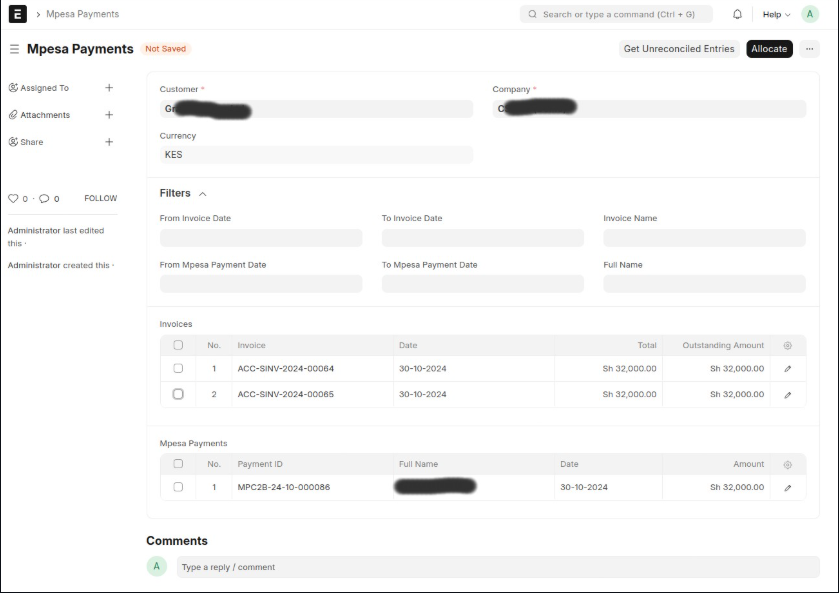
Frappe Mpesa Payments is a custom Frappe application that integrates with Safaricom’s Daraja API. It is built to extend ERPNext enabling seamless mobile money payments from customers, and payment disbursements to suppliers and employees. Hence it implements the following APIs: Mpesa Express (STK Push), C2B (Customer to Business), B2C (Business to Customer) and Transaction Status (Query status of payment). Supported APIs: 1. ✅ Mpesa Express (STK Push) This is a feature that allows suppliers/vendors to initiate a payment prompt on a customer’s phone, prompting them to enter their M-Pesa PIN to authorize the transaction. It’s a convenient and secure way for customers to pay, as it eliminates the need for customers to remember paybill/account numbers. It also reduces the time taken to receive payment Use Cases Request payment from:Sales Invoice (Credit),Sales Order,POS (Point of Sale),Webshop (E-Commerce),Sales Invoice (of type POS) 2. ✅ C2B (Customer to Business) In ERPNext, C2B integration allows you to automatically receive and reconcile payments made by customers through M-Pesa to your Paybill or Till number. These payments are linked to payment entries, enabling real-time updates of outstanding balances and reducing manual data entry. 3. ✅ B2C (Business to Customer) M-Pesa B2C integration enables businesses disburse payments directly to customers, employees or suppliers directly to their M-Pesa accounts. Through seamless API integration, ERPNext users can initiate bulk payments such as salaries, expense claims, supplier payouts or even loans directly from the system. This enhances efficiency, reduces errors and ensures secure, traceable disbursements, all while maintaining accurate financial records within ERPNext. Use Cases Disburse payments to suppliers,B2CPurchases,Disburse to employees,B2CEmployee,Disburse Loans,B2CLoanDisbursement 4. ✅ Transaction Status (Query status of payment) In the case a customer has paid via M-Pesa but the payment is not reflecting in your ERPNext instance, this API becomes essential. This integration allows ERPNext to query Safaricom’s systems using the transaction receipt number and retrieve real-time details such as transaction status (Success, Failed or Pending). It helps resolve issues caused by network delays, missed callbacks, or unregistered C2B transactions by enabling manual verification.