

Kenya Compliance via Slade 360 Advantage

KSh0.00
Wishlist Compare

Description

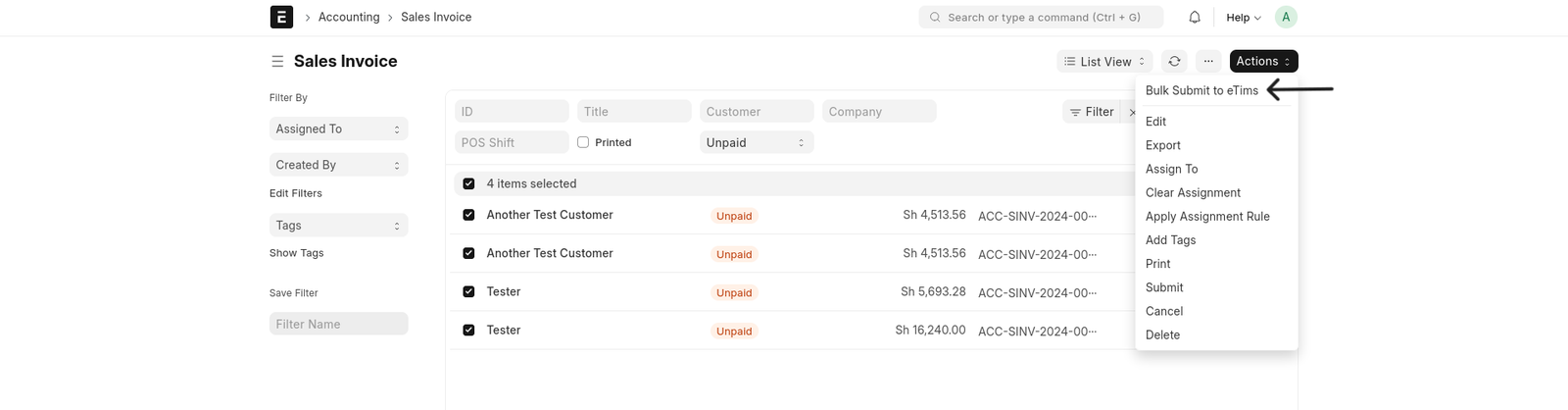
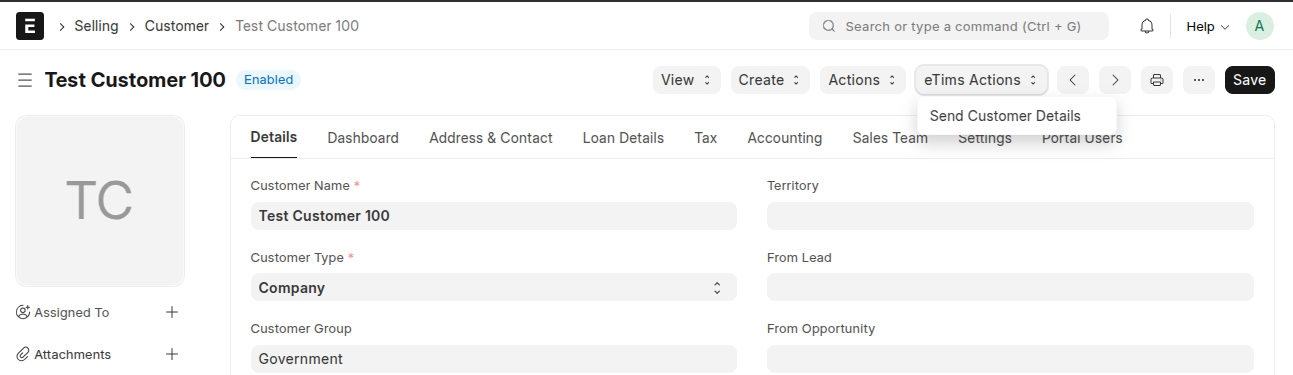
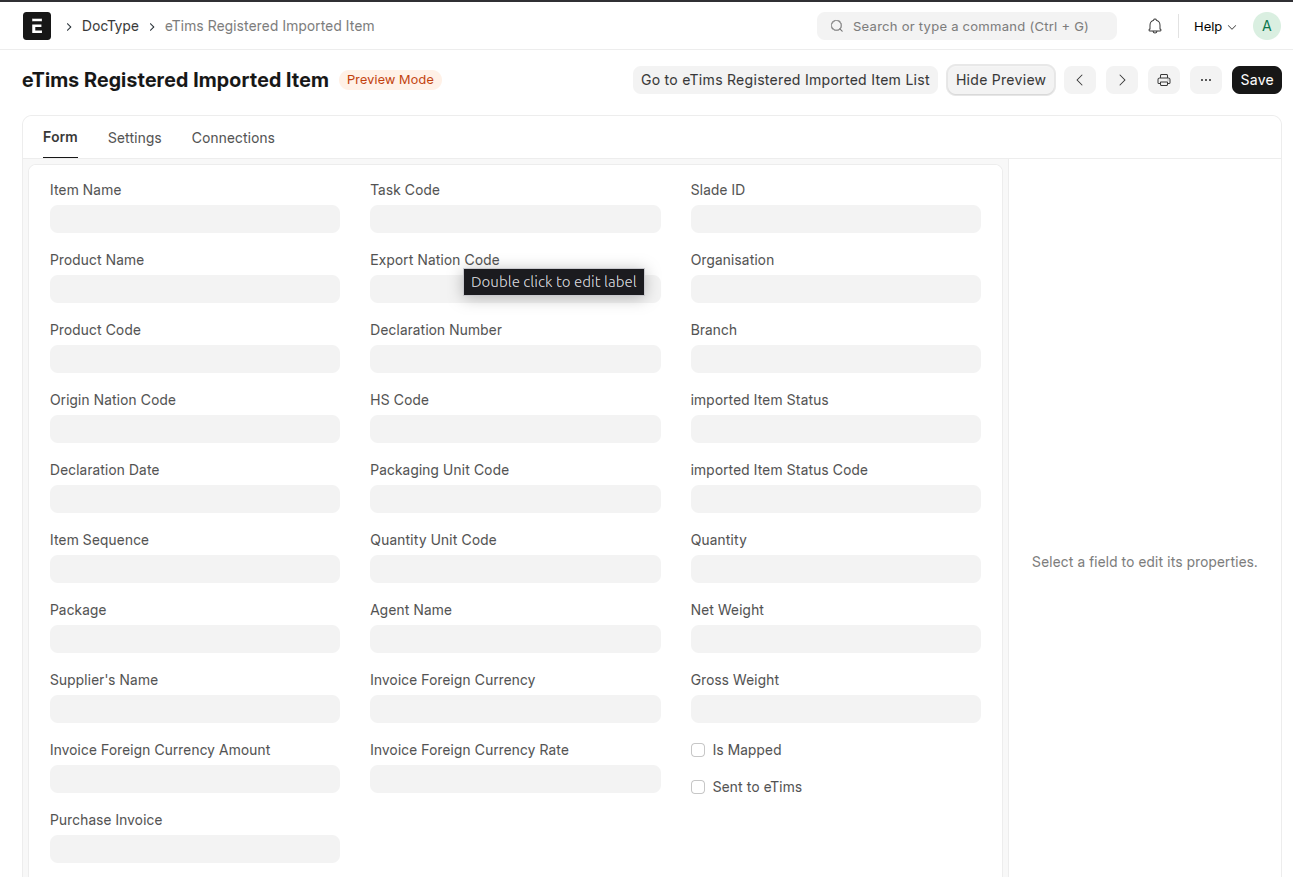
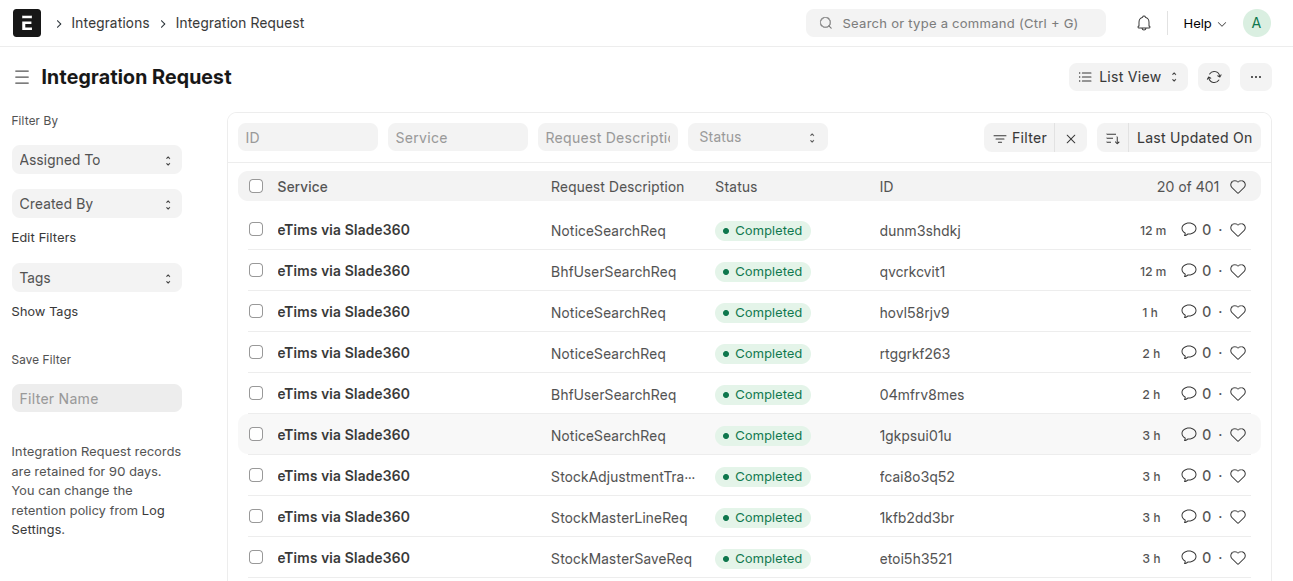
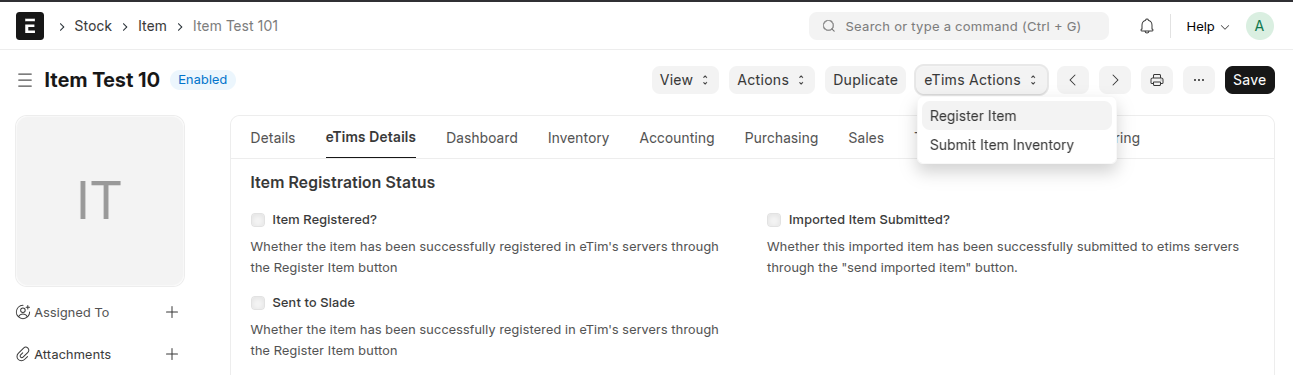
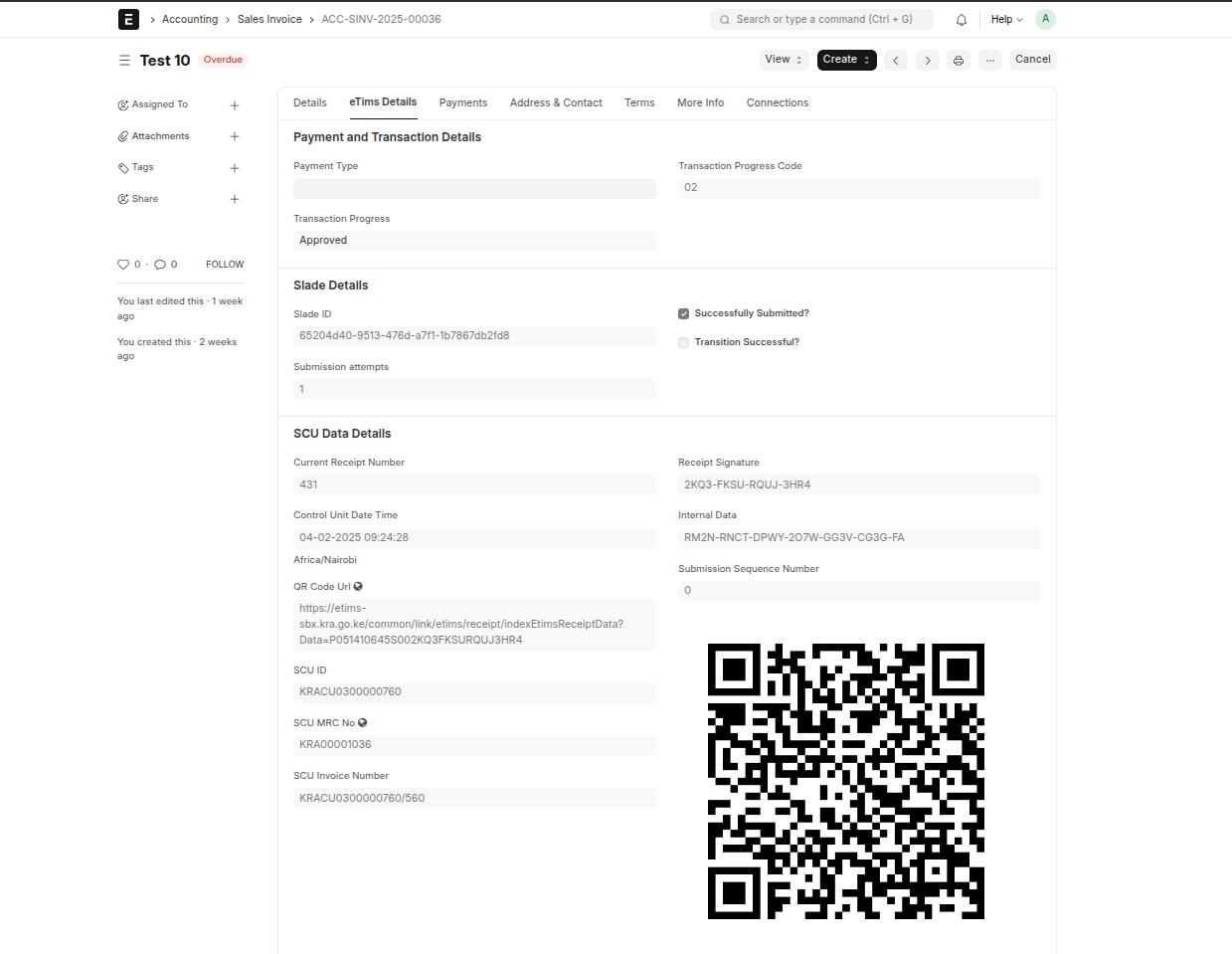
Kenya Compliance via Slade 360 Advantage 🚀 This application integrates ERPNext with Kenya Revenue Authority’s (KRA) eTIMS through the Virtual Sales Control Unit (VSCU), facilitating seamless tax compliance and data synchronization. With this integration, businesses can: 📊 Automatically share sales and purchase transaction details with KRA. 📦 Update inventory records and manage customer information efficiently. 🛒 Register items and synchronize product data with eTIMS servers. Why Compliance via Slade 360 Advantage? 🤔– This integration leverages Slade 360 Advantage, a trusted third-party solution, to provide businesses with a seamless and robust compliance pathway for Kenyan tax regulations. With a highly reliable middleware to VSCU, it ensures efficiency and accuracy in tax compliance.


Product Features

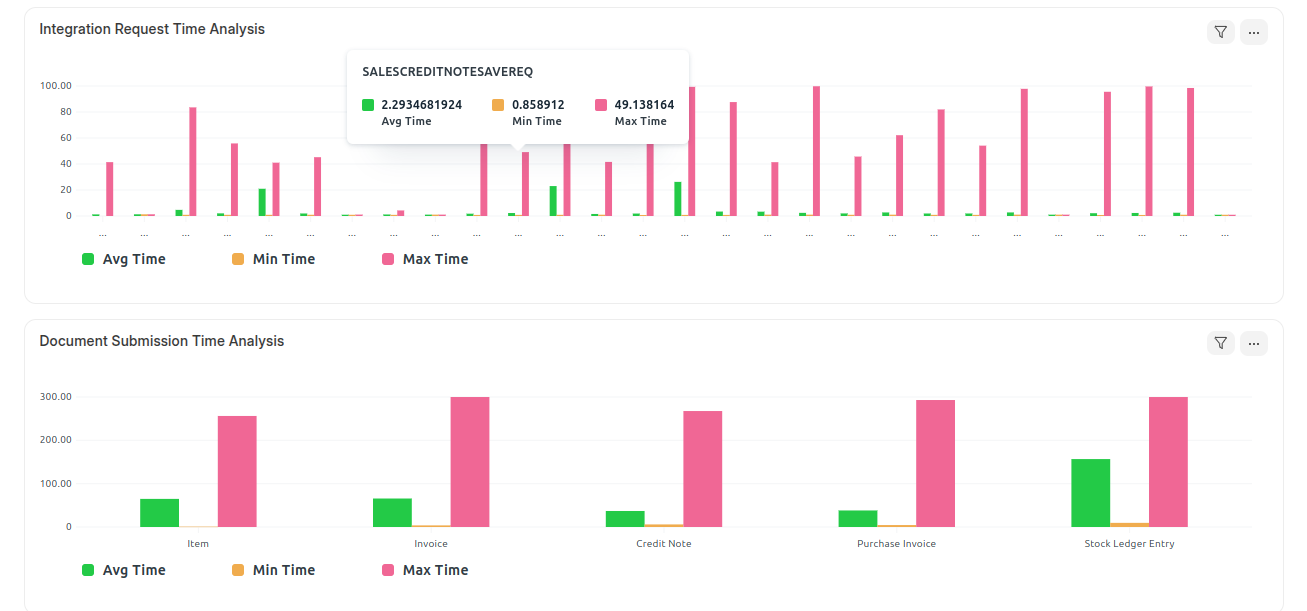
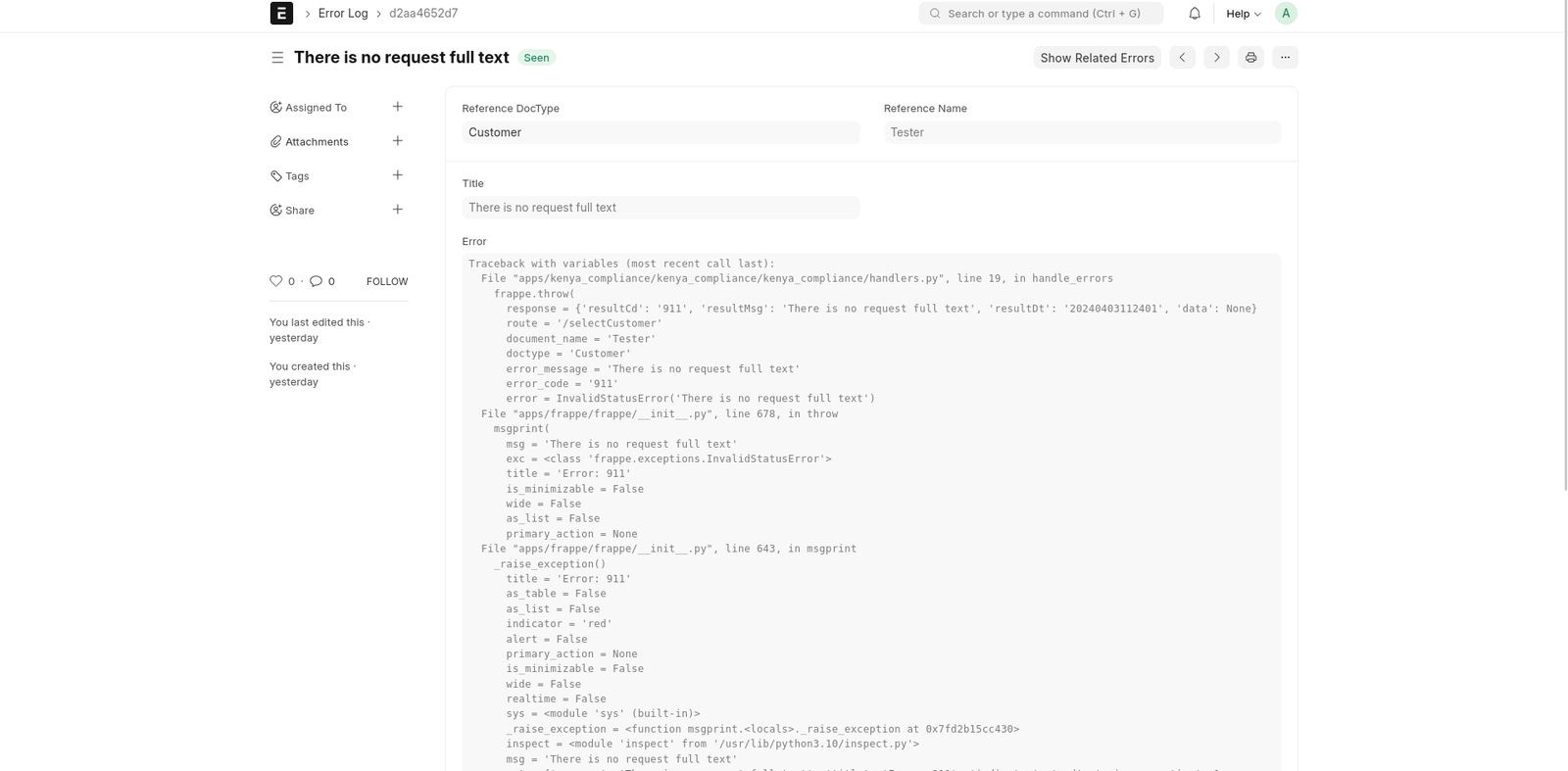
Explore the key features of our application: Application Workspace- https://github.com/navariltd/kenya-compliance-via-slade/blob/develop/kenya_compliance_via_slade/docs/features.md#workspace Error Logs & Integration Requests-https://github.com/navariltd/kenya-compliance-via-slade/blob/develop/kenya_compliance_via_slade/docs/features.md#error_logs_integration_requests Bulk Submission of Information-https://github.com/navariltd/kenya-compliance-via-slade/blob/develop/kenya_compliance_via_slade/docs/features.md#bulk_submissions Flexible Setup and Configuration-https://github.com/navariltd/kenya-compliance-via-slade/blob/develop/kenya_compliance_via_slade/docs/features.md#flexible_setup_and_configuration Item Registration-https://github.com/navariltd/kenya-compliance-via-slade/blob/develop/kenya_compliance_via_slade/docs/features.md#item_registration Supplier and Customer Management-https://github.com/navariltd/kenya-compliance-via-slade/blob/develop/kenya_compliance_via_slade/docs/features.md#supplier_customer_management Invoice Submission (Sales and Purchases)-https://github.com/navariltd/kenya-compliance-via-slade/blob/develop/kenya_compliance_via_slade/docs/features.md#invoice_submission Stock Submission-https://github.com/navariltd/kenya-compliance-via-slade/blob/develop/kenya_compliance_via_slade/docs/features.md#stock_submission BOM Submission-https://github.com/navariltd/kenya-compliance-via-slade/blob/develop/kenya_compliance_via_slade/docs/features.md#bom_submission Registered Purchases-https://github.com/navariltd/kenya-compliance-via-slade/blob/develop/kenya_compliance_via_slade/docs/features.md#registered_purchases Imports Fetch-https://github.com/navariltd/kenya-compliance-via-slade/blob/develop/kenya_compliance_via_slade/docs/features.md#imports_fetch

Tech Stack

Python Javascript.

How To Install

anual Installation/Self Hosting To install the app, Setup, Initialise, and run a Frappe Bench instance. Once the instance is up and running, add the application to the environment by running the command below in an active Bench terminal: bench get-app https://github.com/navariltd/kenya-compliance-via-slade.git followed by: bench –site install-app kenya_compliance_via_slade To run tests, ensure Testing is enabled in the target site by executing: bench –site set-config allow_tests true followed by: bench –site run-tests –app kenya_compliance_via_slade NOTE: Replace with the target site name. FrappeCloud Installation ☁️ Installing on FrappeCloud can be achieved after setting up a Bench instance and a site. The app can then be added using the Add App button in the App tab of the bench and referencing this repository by using the Install from GitHub option if you are not able to search for the app. Important Note ⚠️ This integration goes through an approved third party. Please contact them for registration with KRA and VSCU setup at: etims@savannahinformatics.com. For detailed reference refer to- https://github.com/navariltd/kenya-compliance-via-slade#how-to-install-%EF%B8%8F

ERP NEXT MPESA MODULE
KSh0.00
Add to cart
PesaCast
KSh0.00
Add to cart
mpesa2csv
KSh0.00
Add to cart

Loading...