Description
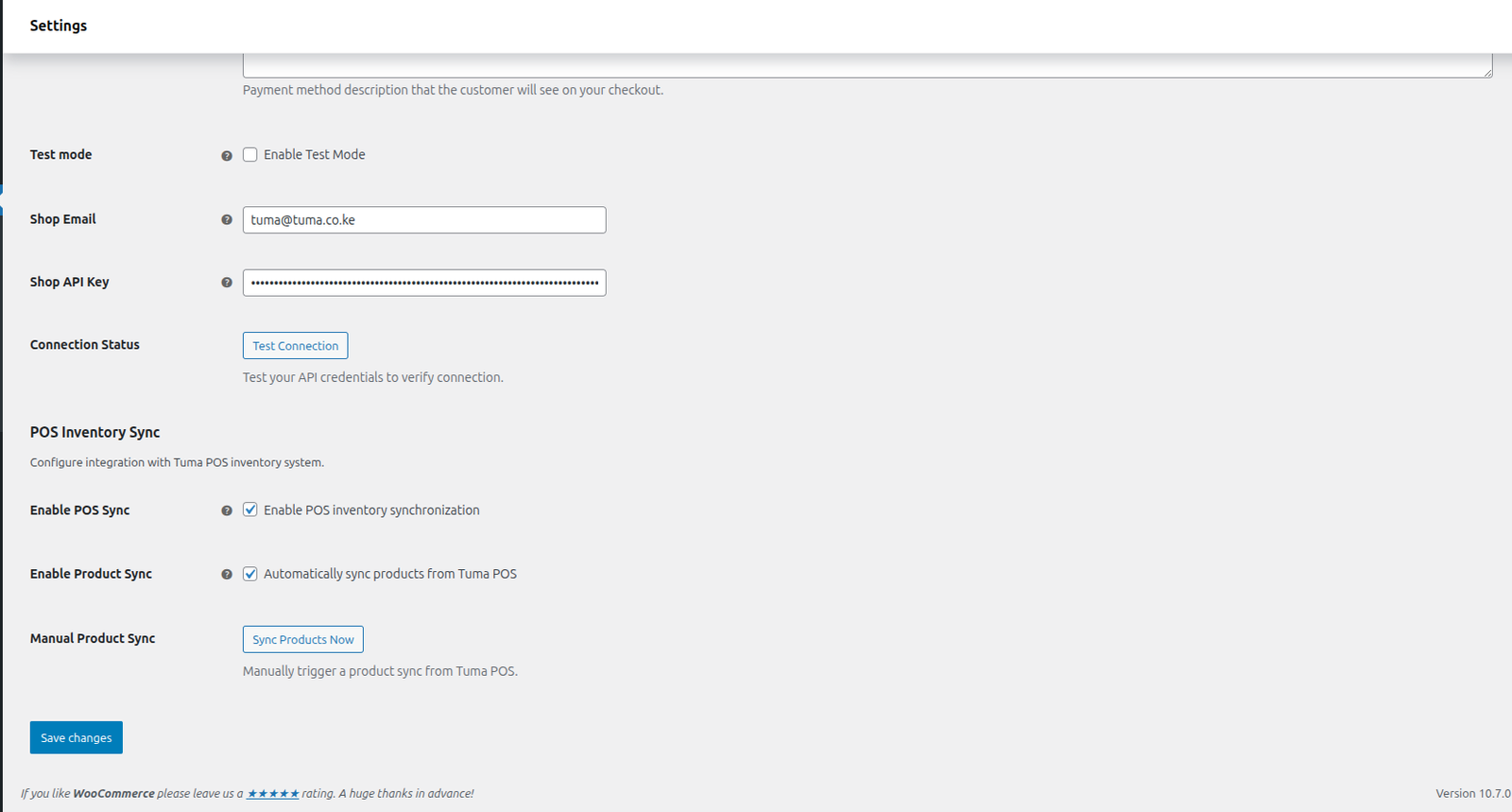
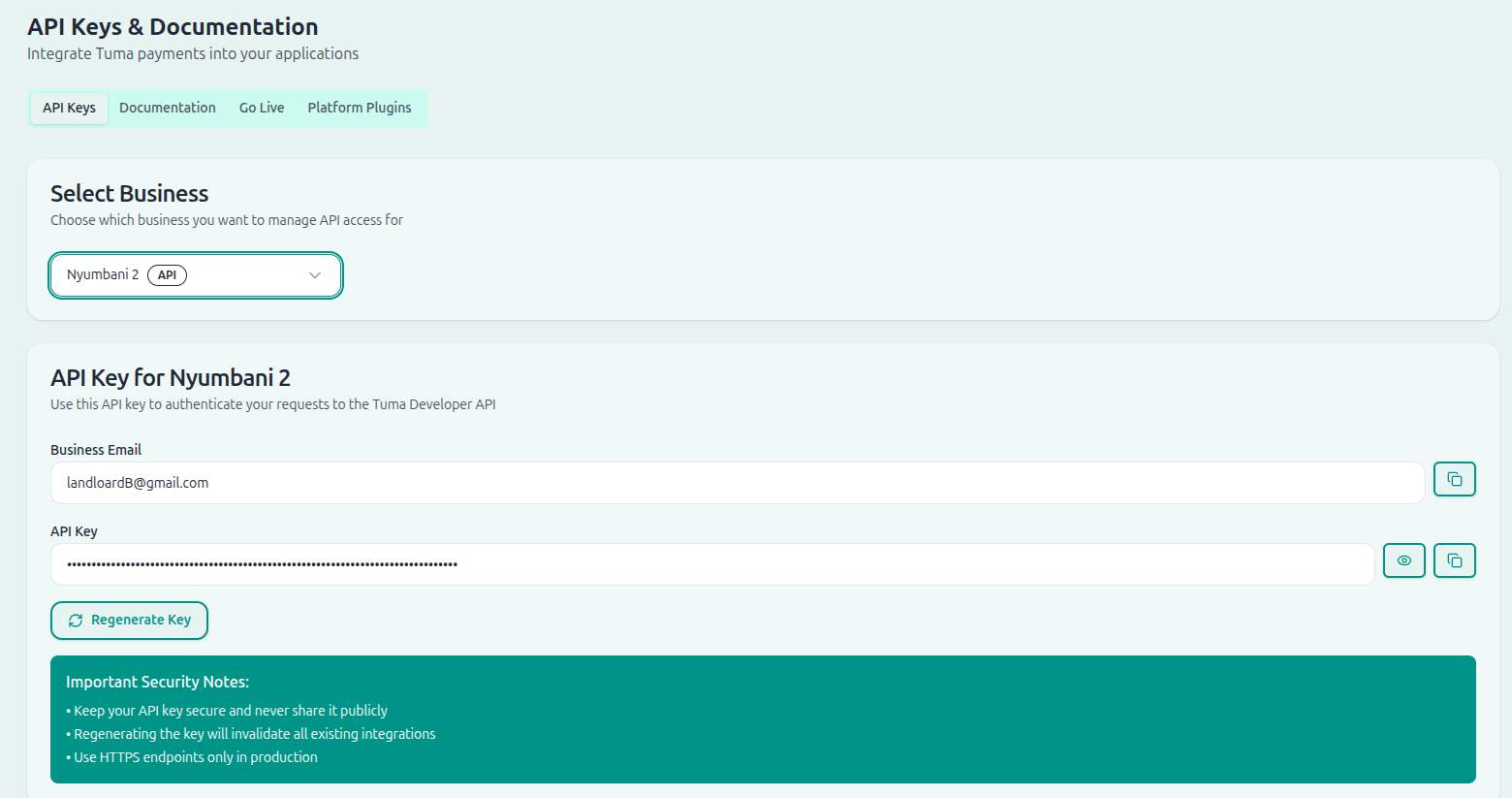
Accept M-Pesa payments to any bank account through the Tuma Payments API in your WooCommerce store. Includes optional POS inventory sync to keep your online and physical store inventory in sync.




Accept M-Pesa payments to any bank account through the Tuma Payments API in your WooCommerce store. Includes optional POS inventory sync to keep your online and physical store inventory in sync.
Features -Payment Features -Real-time Payment Status: Customers see live payment confirmation -STK Push Integration: Seamless M-Pesa payment experience -Payment Retry: Customers can resend STK push if needed -Receipt Display: M-Pesa receipt numbers shown to customers -Order Management: Automatic order status updates -Comprehensive Logging: Detailed payment notes in order history – POS Sync Features (Optional) -Inventory Sync: Sync products from your Tuma POS to WooCommerce -Sales Sync: Online sales automatically recorded in your POS -Stock Management: Unified stock levels across online and physical stores -Automatic Sync: Hourly product sync keeps inventory up to date -Manual Sync: One-click product sync from admin panel
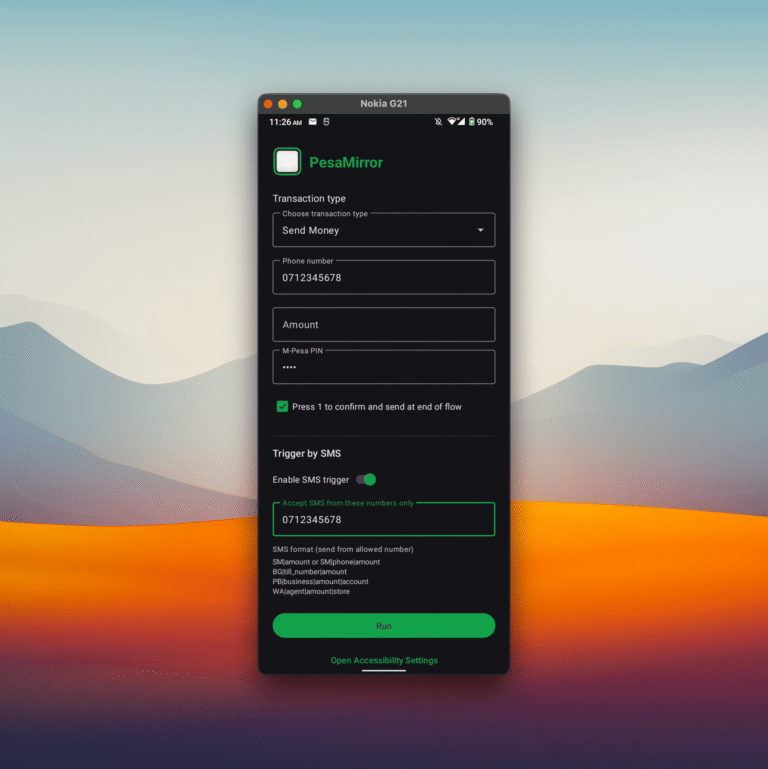
git clone https://github.com/davidamunga/pesamirror.git
cd pesamirror
./gradlew assembleDebug
Install the APK from app/build/outputs/apk/debug/, or run from Android Studio.
The easiest way to install PesaMirror on a physical device the first time is to run the install script from the repo root:
./scripts/setup.sh
WordPress 4.6+
WooCommerce 3.5.0+
PHP 7.0+
https://github.com/matatashadrack/tuma-mpesa-for-woocomerce#installation